
Brand & market context
Set up Brand Context and Market Context
Set it up once. Localizethat uses it every time you localize — you never attach it to a project by hand.
Where to start
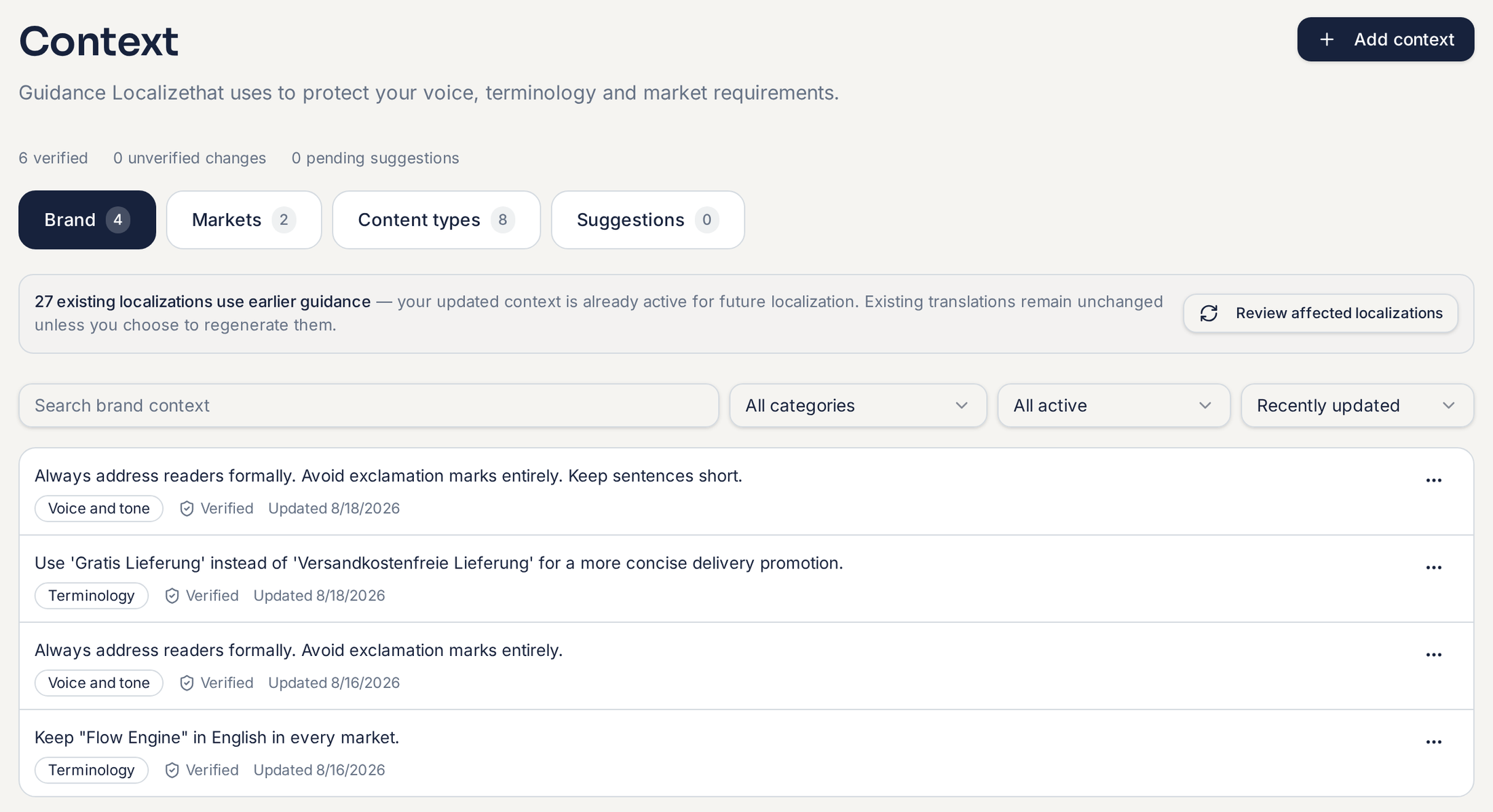
Open Context in the main navigation and select Add context. Add what matters most first — you can add more at any time.
Rules your team controls
These only change when someone on your team edits them.
Brand voice
How your company should sound. Add a global voice, then channel voices if you need them.
Terminology & glossary
Product names and preferred terms that should never vary.
Approved claims
Statements where the exact wording matters — and claims to avoid.
Market rules
How communication changes in a specific market.
Content type defaults
Sensible behaviour per content type, ready from day one.
Start with what matters most for the content you localize most often. A large context library does not mean everything is sent into every localization — Localizethat selects what is relevant to the content and language.
Context that grows from approved work
Translation Memory is the automatic half. When you approve content in a market, those source and target pairs become reusable approved language for the next project — and reused text is charged at 20% of the normal rate.
Memory grows automatically. Your rules stay controlled.
Related guides