
Localization usually starts with content that already lives somewhere else.
For many teams, that somewhere is Google Docs.
We’ve now added Google sign-in and Google Docs integration to Localizethat, making it easier to get from existing content into the localization workflow without adding unnecessary steps. Documents are picked from Google Drive, where your Docs already live.
Sign in with Google
You can now use your Google account to sign in to Localizethat.
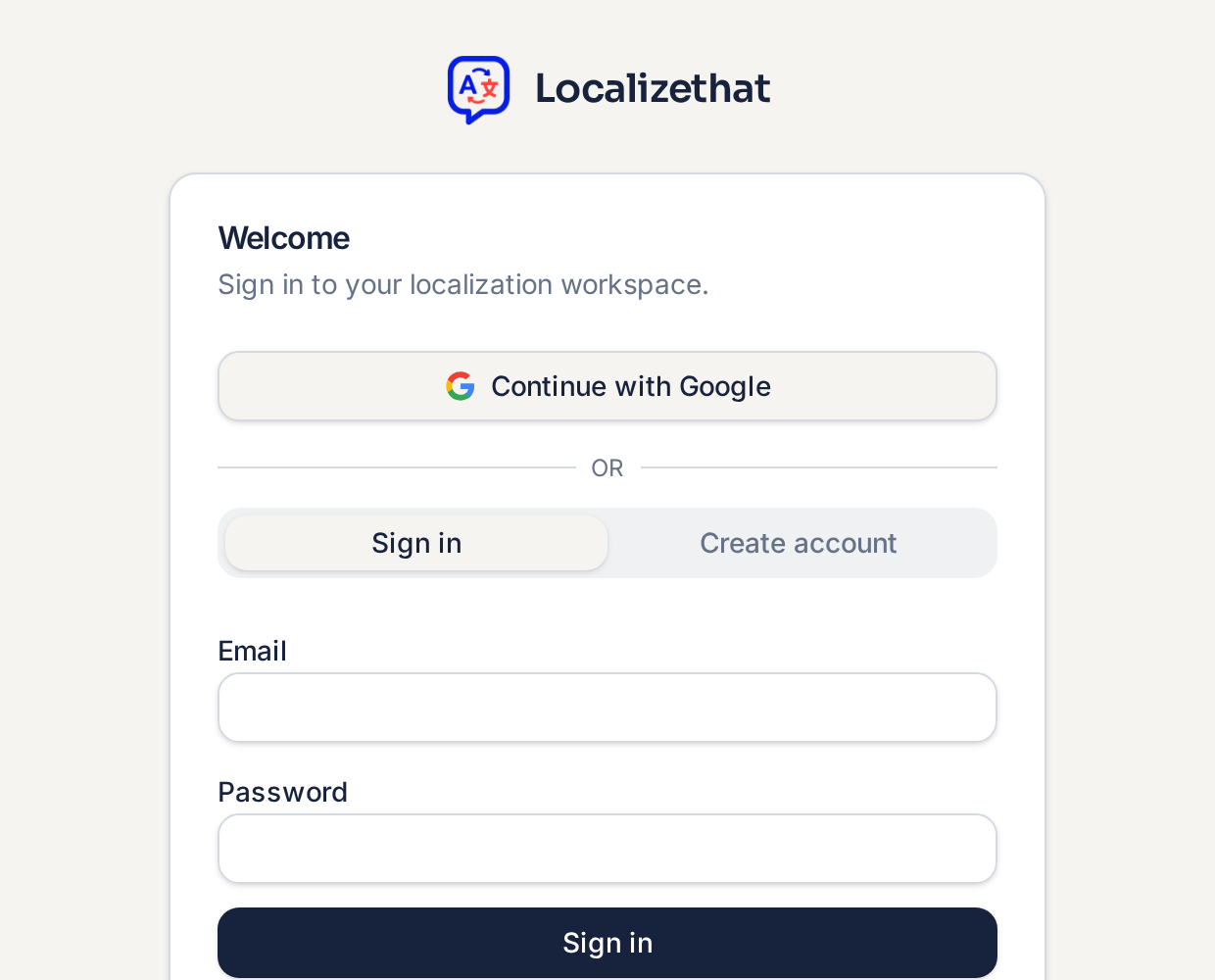
It’s a small change, but an important one: getting into the workspace should be as straightforward as the localization workflow itself.
For teams already working in Google Workspace, it also means one less account and password to manage.
Bring content in from Google Docs
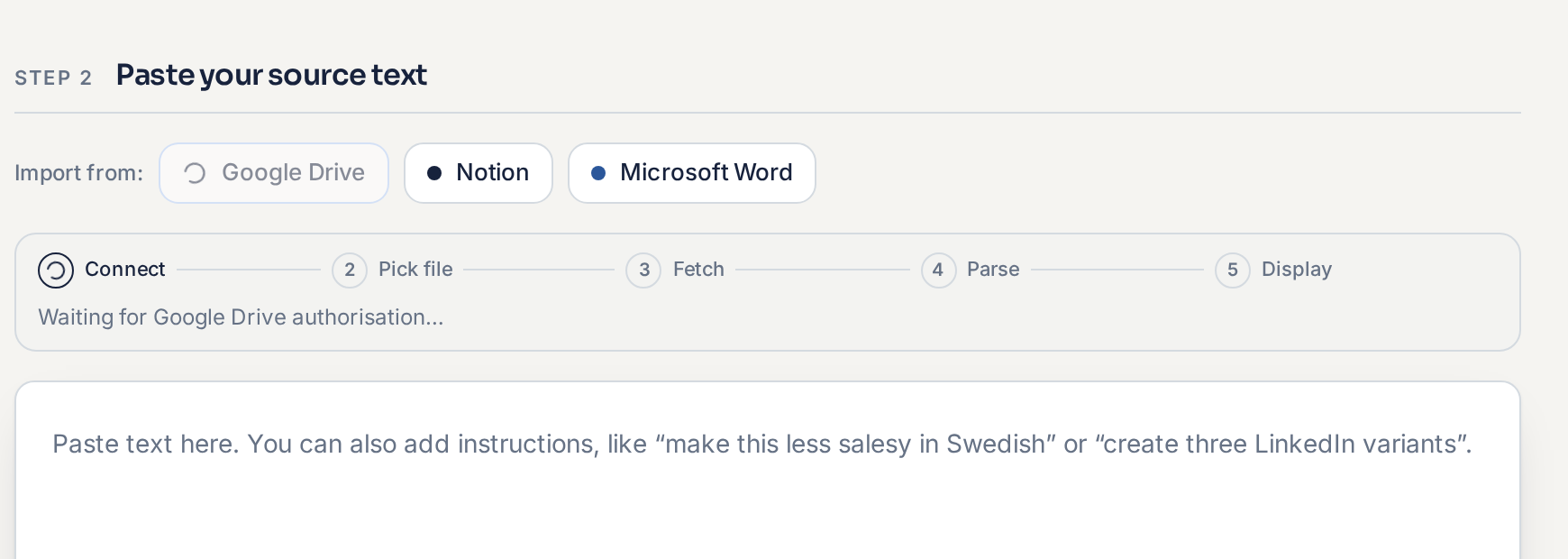
Localizethat can now connect to Google Docs as part of the localization flow.
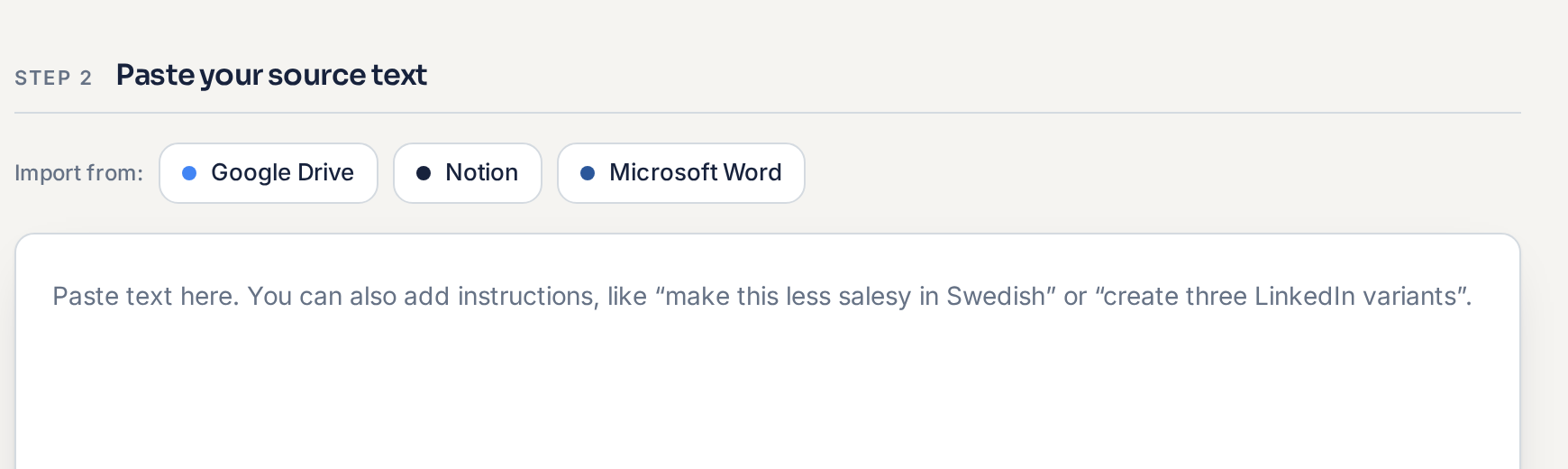
Instead of moving content manually between tools, you can start from a document your team is already working with and bring that content into Localizethat.
From there, Localizethat can use the company context available in your workspace, including things such as:
- brand voice
- terminology
- approved claims
- market rules
- previous translation decisions
The goal is simple: reduce the work around localization so your team can spend more time on the language decisions that actually need human judgement.
From document to localization
The workflow is designed to stay simple:
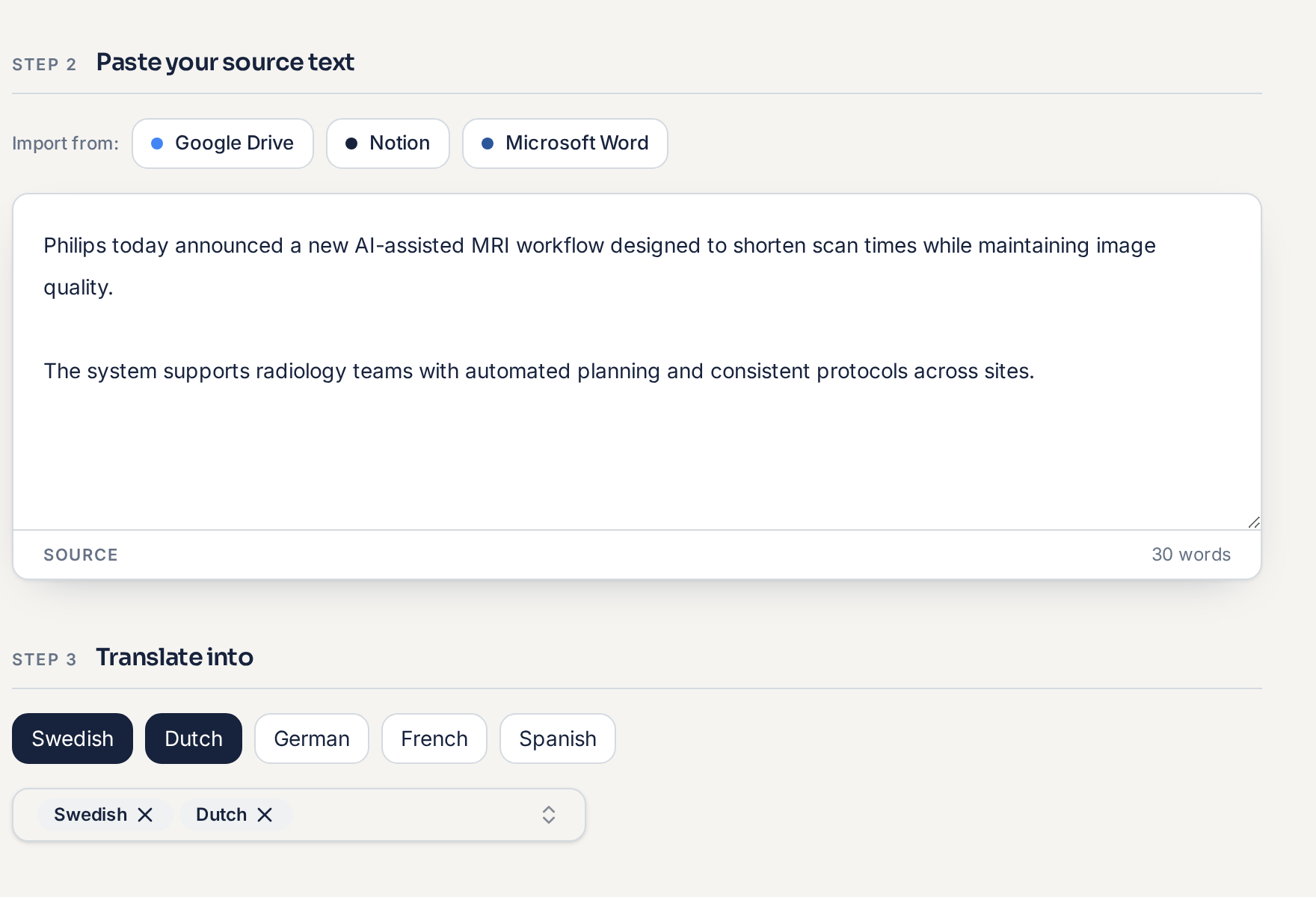
Your source content may live in Google Docs, but the localization still benefits from the context and review workflow built into Localizethat.
That means local reviewers can focus on whether the result is right for their market rather than rebuilding company context or translating everything again from scratch.
Integrations should remove steps, not add them
Google Docs is part of a broader direction for Localizethat.
Localization rarely happens in isolation. Source content lives in documents, websites, design tools and content platforms, while finished language eventually needs to make its way back into those workflows.
We want integrations to make those handoffs simpler while keeping company context and approval decisions consistent throughout the process.
Google Docs is one step in that direction.
Try it
Sign in to Localizethat and connect Google Docs to try the new flow.